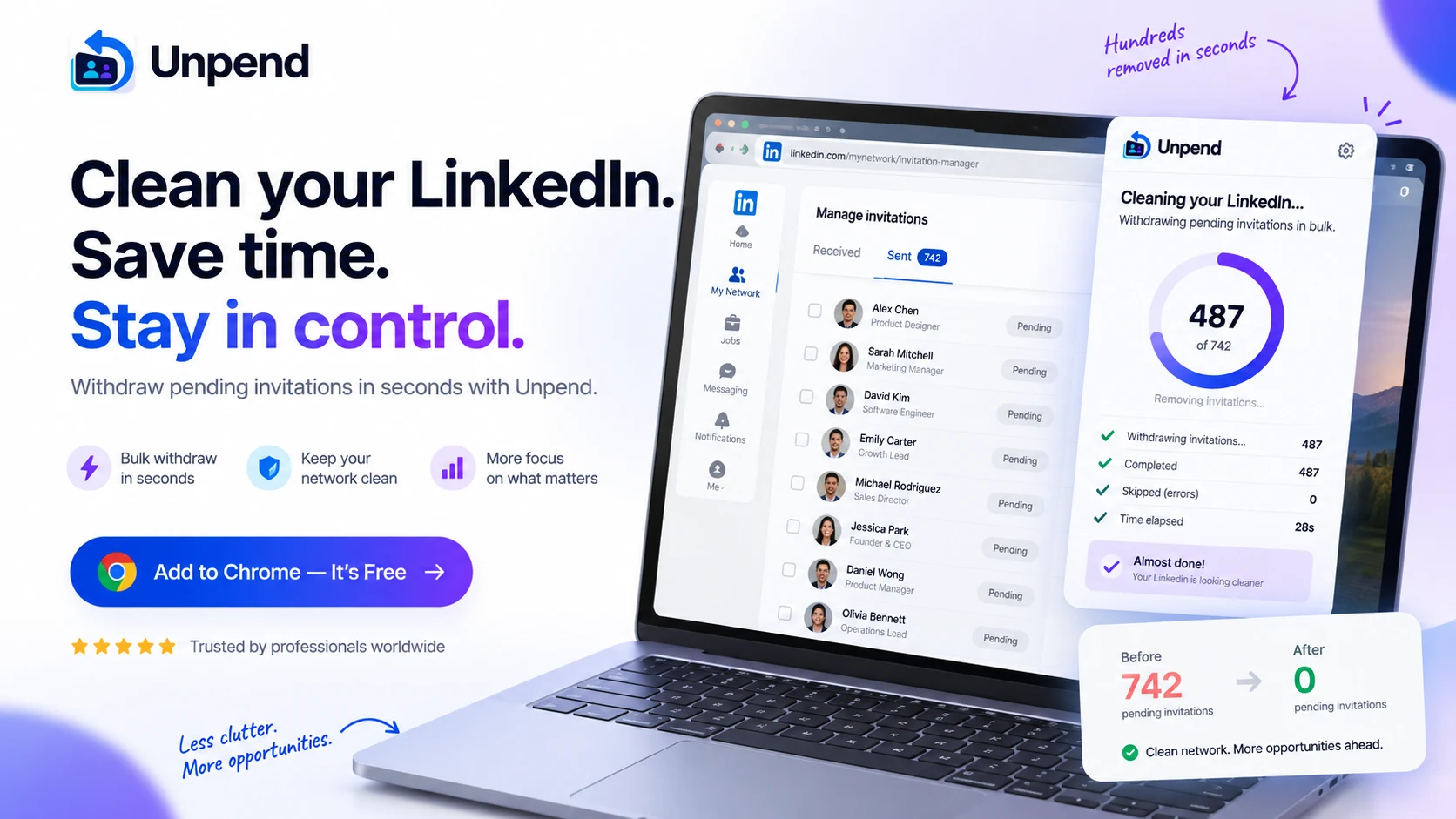
LinkedIn gives you no bulk withdraw. Unpend does the whole pile on the page you are already looking at, one list, one button, and it hands the tab back when it is done.
Three full cleanups free, any size. No account, no card, and nothing about your network ever leaves your browser.
Start by looking
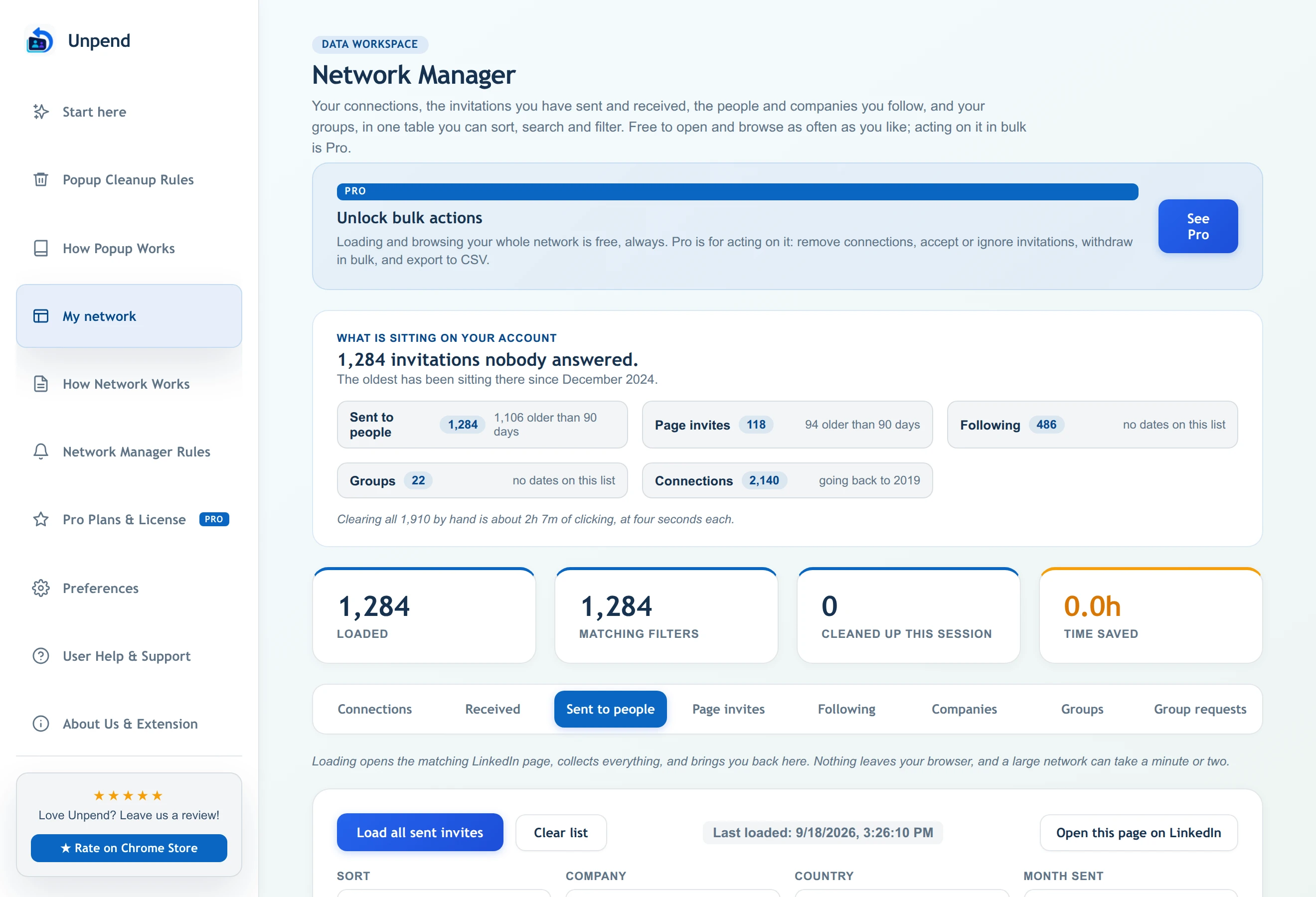
Open the Network Manager and it loads your whole account into one table: invitations you sent, invitations waiting on you, connections, follows and groups. Then it tells you the number, how old the oldest one is, and how long clearing it by hand would actually take. Loading and browsing that is free and always will be.
How a run goes
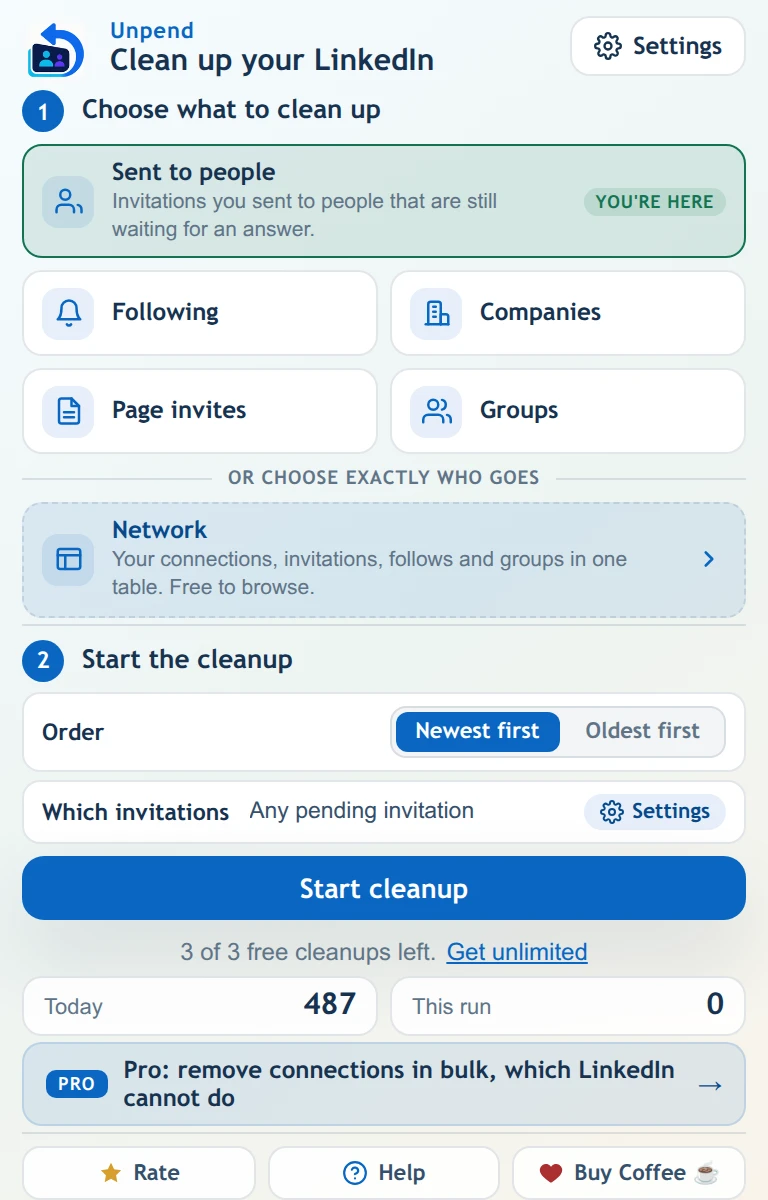
Invitations you sent to people or from a Page, people and companies you follow, group requests. The popup marks the list you are already on.
Withdraw everything, or only what is older than a number of days you choose. An invitation whose date cannot be read is skipped rather than guessed at, and the run tells you how many.
It clicks every row and confirms every dialog, paced at 25 actions a minute. The counter moves the whole time, including while it is scrolling to reach the first match. Stop it whenever you like.
The tab has to stay open while it runs, because everything happens on a real LinkedIn page in your browser. Use other tabs freely.
What it clears
The pile that blocks you from re-inviting anyone on it.
Follow requests your company Page sent that nobody answered.
Accept or ignore dozens at once instead of one screen at a time.
Including everyone you follow without a connection and forgot about.
The feed you never chose, made of Pages you followed once.
Leave groups in bulk, and withdraw requests that were never approved.
Before you install anything
Unpend only removes things you already did. It cannot send an invitation, post, message or follow. That boundary is the product, not a setting.
It works inside your browser on the session you are already signed into. There is no account to make, no password field, and no server holding your data, because there is no data held.
A hard 25 actions a minute with human gaps, and it backs off on its own the moment LinkedIn signals a limit. A backlog of a thousand therefore takes about forty minutes. That is the trade.
Neither by us nor by LinkedIn, and it blocks re-inviting the same person for a few weeks. That is why the age filter exists, why Pro has a protect list, and why every bulk action shows you what it is about to do first.
Pricing
A free cleanup has no size limit, so the pile you installed for is almost certainly a free job. Pro is for doing it again whenever you like, and for the things LinkedIn gives you no tool for at all.
One more cleanup to do, or want to try Pro on your own account first? Full access for a day, for less than a coffee. Cancel from inside the extension.
Get a day passAbout two coffees a month, for as long as you want it. Cancel whenever you like, from inside the extension or from the billing portal.
Get Pro monthlyUnder nine months of monthly, then never again. Nothing to cancel.
Get Pro for lifePrices in US dollars, charged in your own currency at checkout. Monthly, yearly and the day pass renew until you cancel, which takes one click inside the extension. Lifetime never renews. 14-day refund, no questions asked.
Questions people actually ask
Almost certainly not, and this is the single most common report. On a big account with an age filter, Unpend has to travel past every invitation that is too new to touch before it reaches the first one it is allowed to withdraw. That can be several hundred rows and a minute or two. While it does, the popup counts the invitations it has checked, so if that number is climbing it is working. If it genuinely stalls, the run stops and says so rather than sitting there.
Two causes, both fixed in version 5. The run used to give up too early on long lists, and it now tells you how many invitations it actually checked, so the message is testable rather than just discouraging. The other cause is genuine: if LinkedIn does not print a date on a row, Unpend skips it rather than guessing, because withdrawing cannot be undone. Those skipped rows are now counted and reported at the end. Setting the filter to "Any pending invitation" includes them.
No. With an age filter set they withdraw exactly the same invitations, because the filter decides the set and the order only decides which goes first. Unpend now scans from your newest invitation down to the first match either way, which is considerably faster to start on a large list. Order only changes anything when you have no age filter and a per-run limit.
About forty minutes, and that is deliberate. Every action is paced at a hard ceiling of 25 a minute with human gaps, because going faster is how accounts get flagged. Nothing in the run is slower than that ceiling, so forty minutes is the floor rather than a symptom. You can set a per-run limit and do it in sittings instead.
No. LinkedIn does not notify anyone when an invitation is withdrawn, whether or not they had already ignored it. The request simply stops being pending.
No, and neither can LinkedIn. Withdrawing is permanent and it blocks you from re-inviting that person for a few weeks. If you are unsure, start with a high number of days, like 90, and see what it clears before going lower.
No. Everything happens on a real LinkedIn page in your browser, so that tab has to stay open and stay on that page. You can use other tabs and other windows freely. If the tab closes, whatever finished is kept and the rest simply stops, and nothing is lost.
Three full cleanup runs, and a run has no size limit, so a backlog of two thousand invitations is one cleanup and not forty. All six lists are included, along with the age filter, the order and the per-run limit. Loading and browsing your whole network in the Network Manager is free and unlimited. A run that withdraws nothing never costs you one of the three. Pro adds unlimited runs and the bulk actions on connections and received invitations.
We cannot promise you it will not, and anyone who does is guessing. What we can tell you is what it does: a hard 25 actions a minute, human-length gaps between them, an automatic backoff the moment LinkedIn returns a rate-limit response, and it stops entirely if it sees a checkpoint. It also never sends anything, which is the behaviour LinkedIn actually polices hardest.
In one click from the Pro tab inside the extension, or from the billing portal link in your receipt. Cancelling stops the next renewal and you keep Pro until the end of the period you already paid for. The day pass renews daily until you cancel, so if you only wanted one day, cancel on the first day and nothing further is charged. Lifetime has nothing to cancel.
Yes, two. If you are leaving because of the price, the uninstall page gives you a code for a full day of Pro at no cost and 30% off the longer plans, and the code is applied for you at checkout. And if you report a bug that we can act on, the same 30% code comes back with the reply. Neither is a trick: the day pass renews at its normal price after the free day unless you cancel, and the page says so next to the offer rather than in the small print.
Say so and it might get built. Most of what Unpend does now started as a message from somebody tired of clicking, including the stop button and free browsing in the Network Manager. There is a suggestion form on this site and no account is needed. The one boundary that will not move: Unpend removes things you already did, on a page you are looking at, so anything that sends invitations or runs while you are away is out of scope.
Install it, open the Network Manager, and look at the number before you decide anything. That part costs nothing and takes a minute.