Features
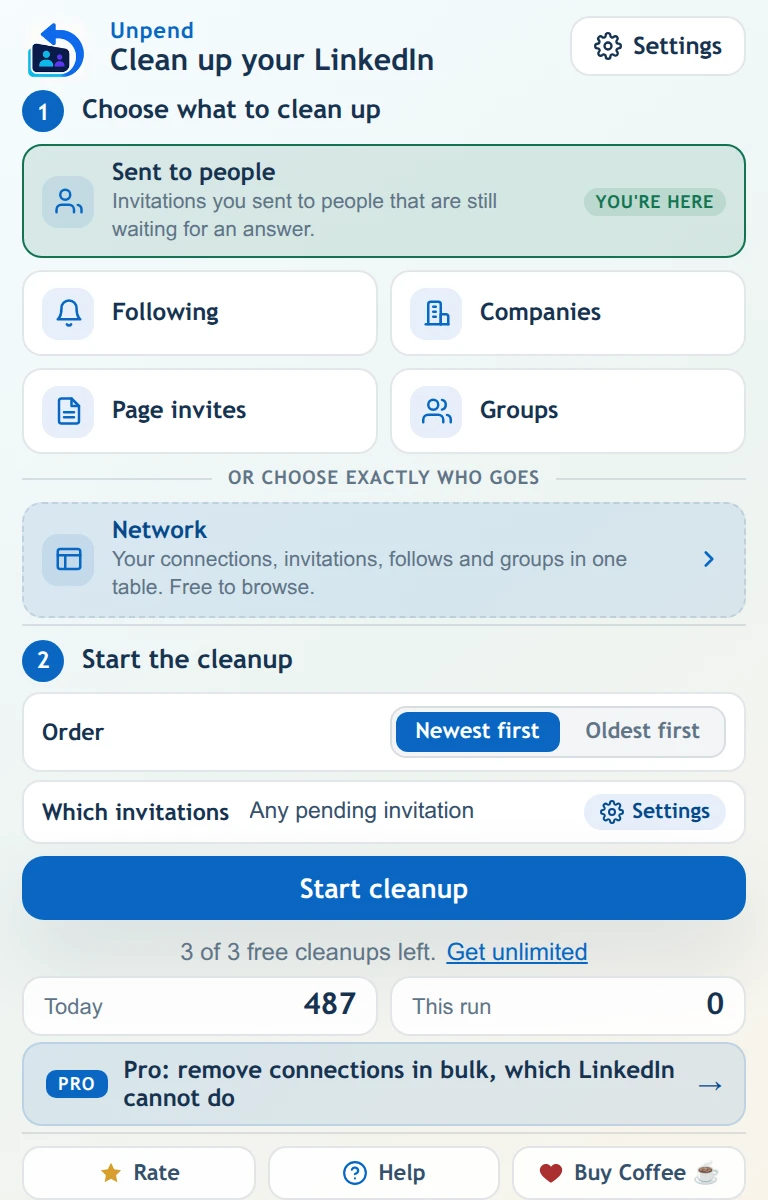
Two ways to work: the popup clears a whole list by rule, and the Network Manager loads everything into a table so you choose.
Open it on any LinkedIn list and it already knows where you are. Pick a rule, press start and watch the counter.
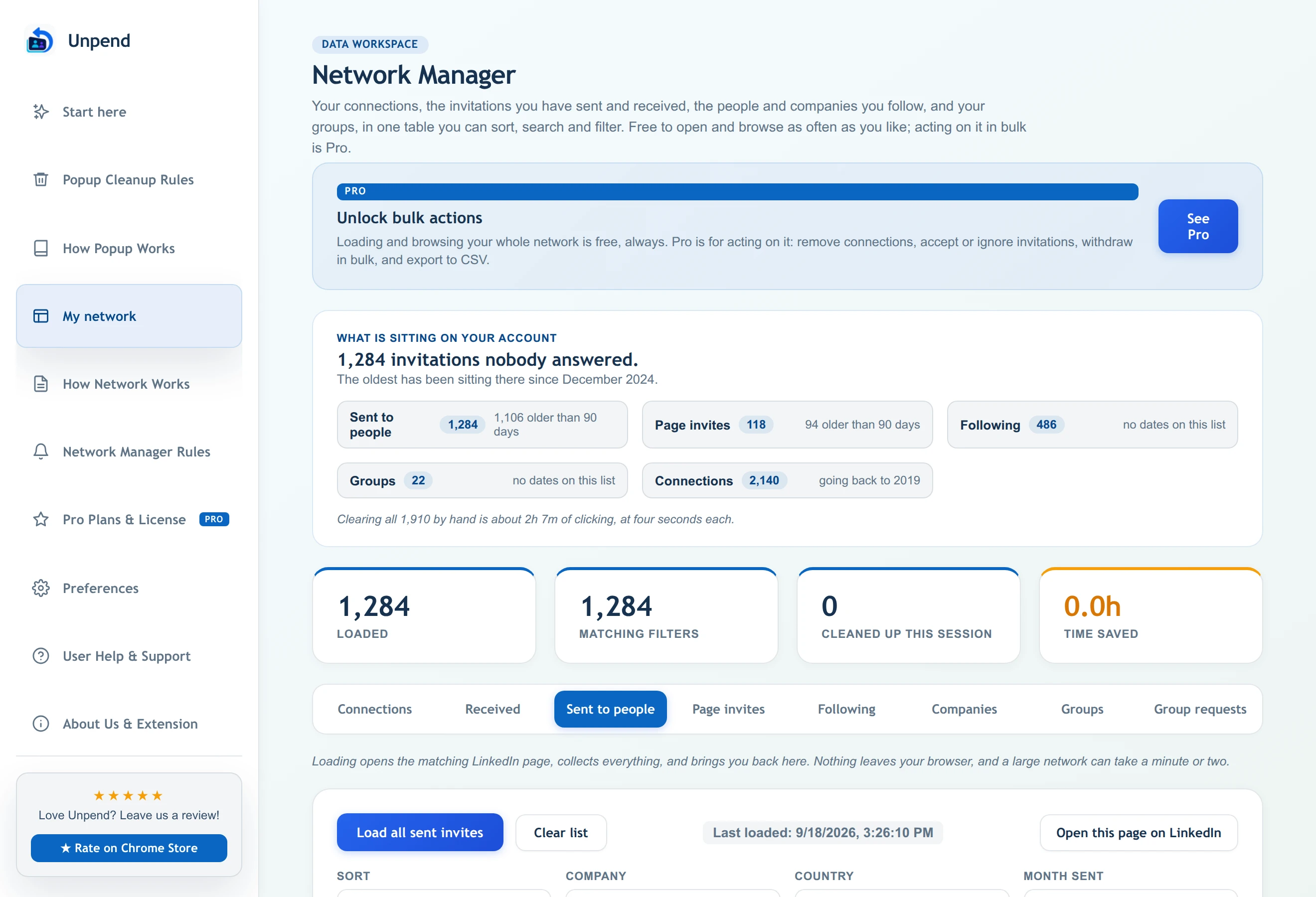
LinkedIn shows your network a page at a time. The Network Manager loads all of it into one table you can sort, search and filter.
Six lists
The pile that blocks you from re-inviting anyone on it.
Follow requests your company Page sent that nobody answered.
Accept or ignore dozens at once instead of one screen at a time.
Including everyone you follow without a connection and forgot about.
The feed you never chose, made of Pages you followed once.
Leave groups in bulk, and withdraw requests that were never approved.
Unpend Pro
Safety
Unpend only removes things you already did. It cannot send an invitation, post, message or follow. That boundary is the product, not a setting.
It works inside your browser on the session you are already signed into. There is no account to make, no password field, and zero network data is ever uploaded to developer servers.
A conservative ceiling of 25 actions a minute with human gaps, and automatic back-off if LinkedIn signals a rate limit. Automation carries platform-policy risks under LinkedIn's User Agreement, so we pace conservatively to minimize patterns.
Withdrawing cannot be undone by us or LinkedIn, and LinkedIn blocks re-inviting the same person for up to 3 weeks. That is why the age filter exists, why Pro has a protect list, and why every bulk action shows you what it is about to do first.
Install it, open the Network Manager, and look at the number before you decide anything. That part costs nothing and takes a minute.
Free plan · 150 actions a month · no card, no account
We use one Google Ads tag to see which ads bring people to Unpend. It sets cookies only if you accept. The extension itself never tracks you. Privacy policy